Talkcut
Photo & Video · Graphics & Design · 2026
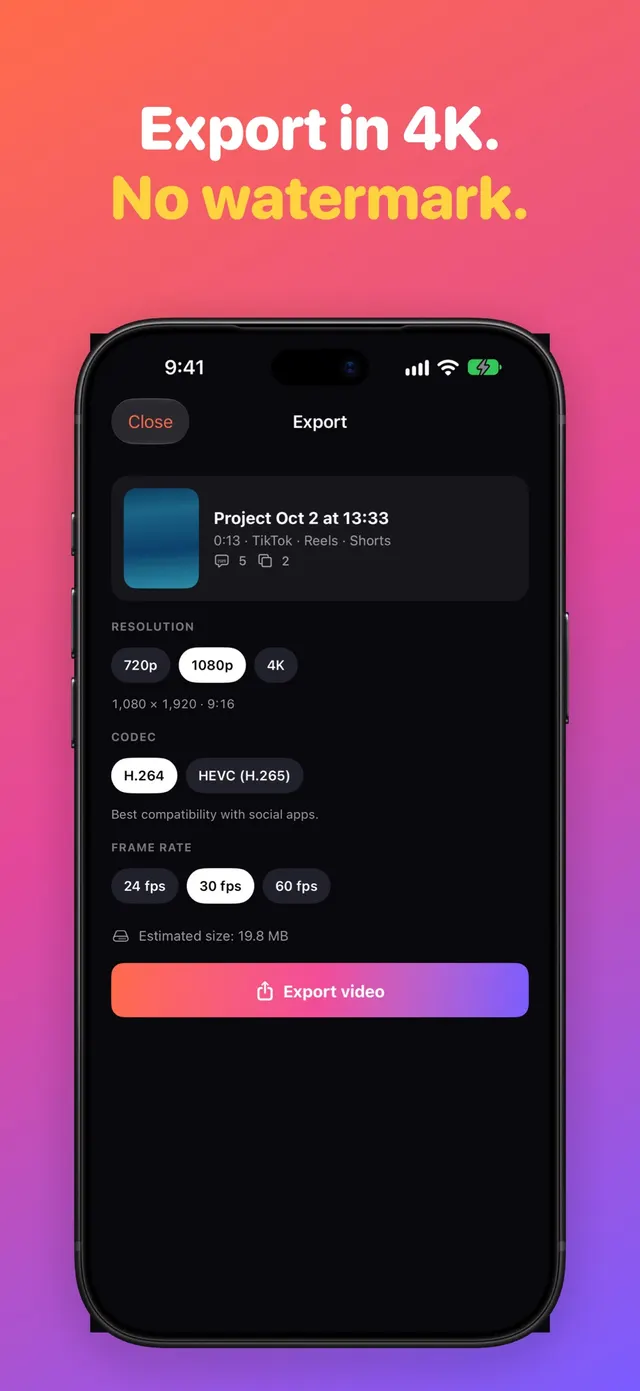
Talkcut turns your talking videos into ready-to-post clips. Captions timed word by word, pauses cut automatically and a cleaner voice, all on your iPhone or iPad, with no watermark.

Highlights
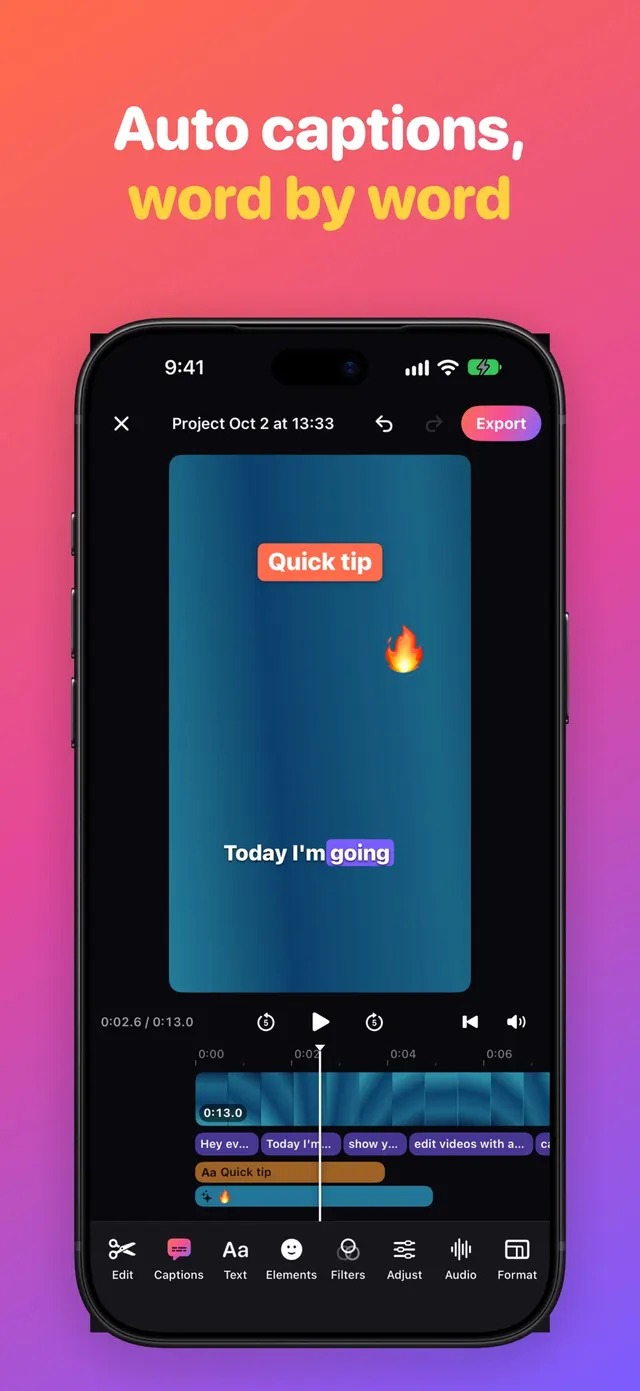
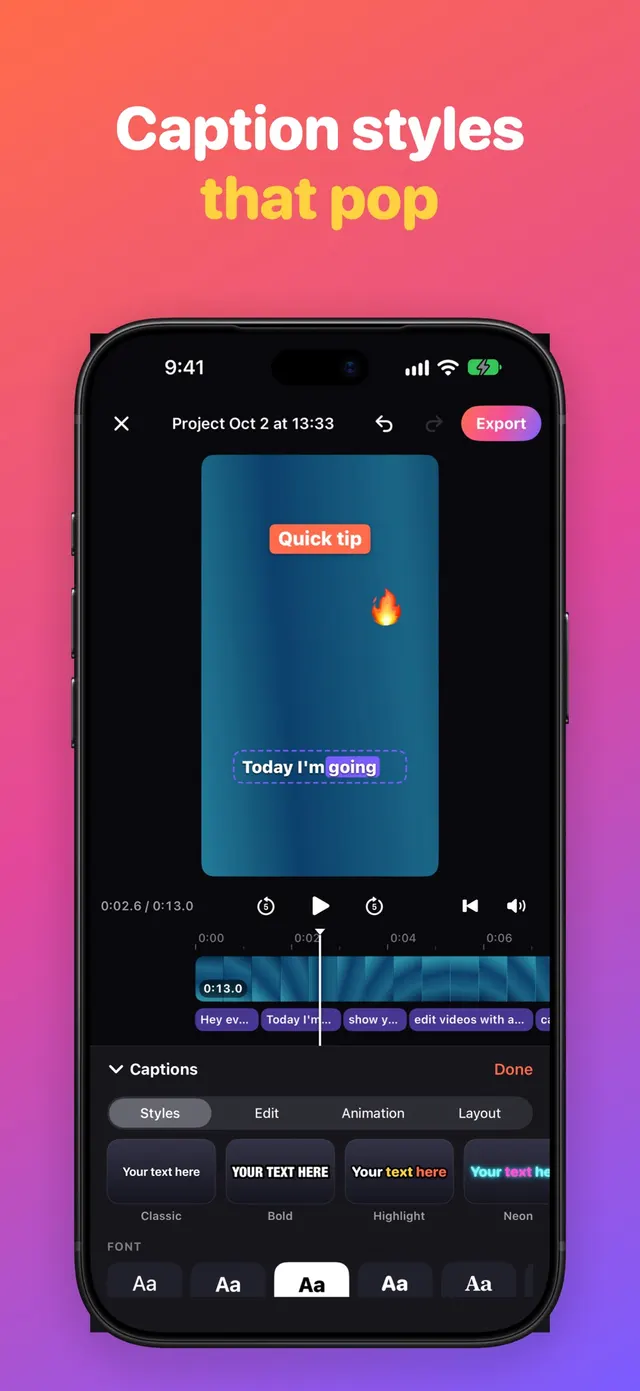
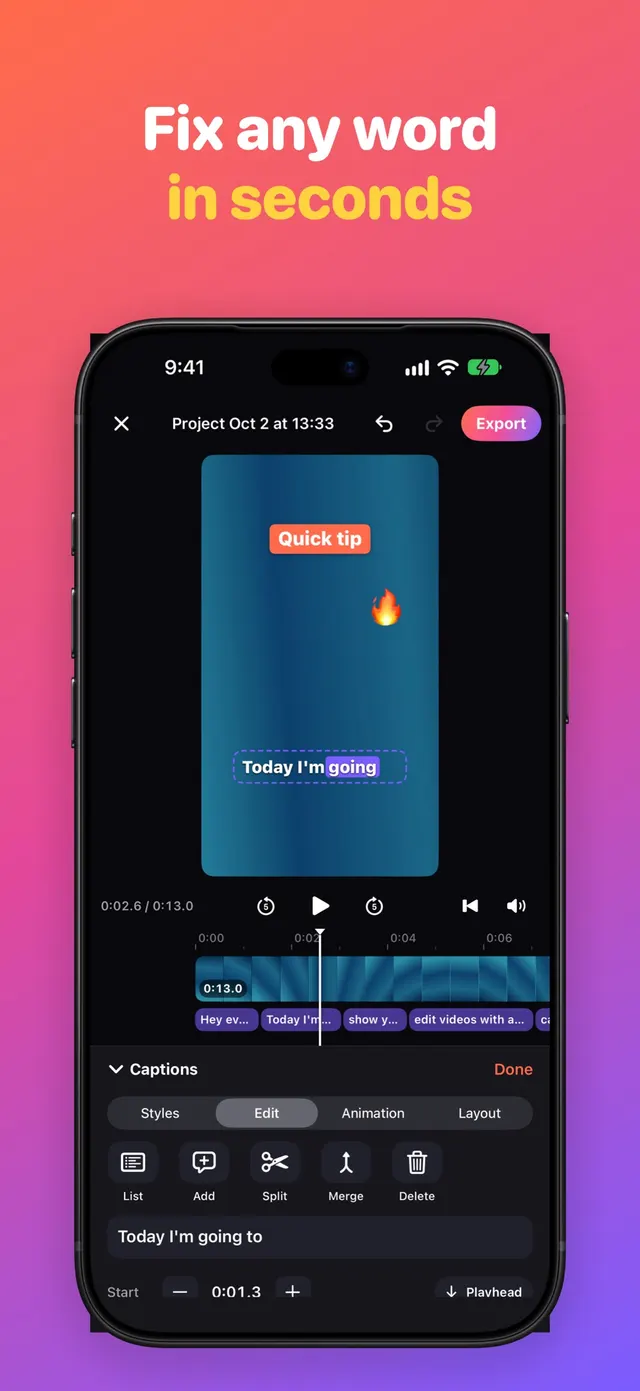
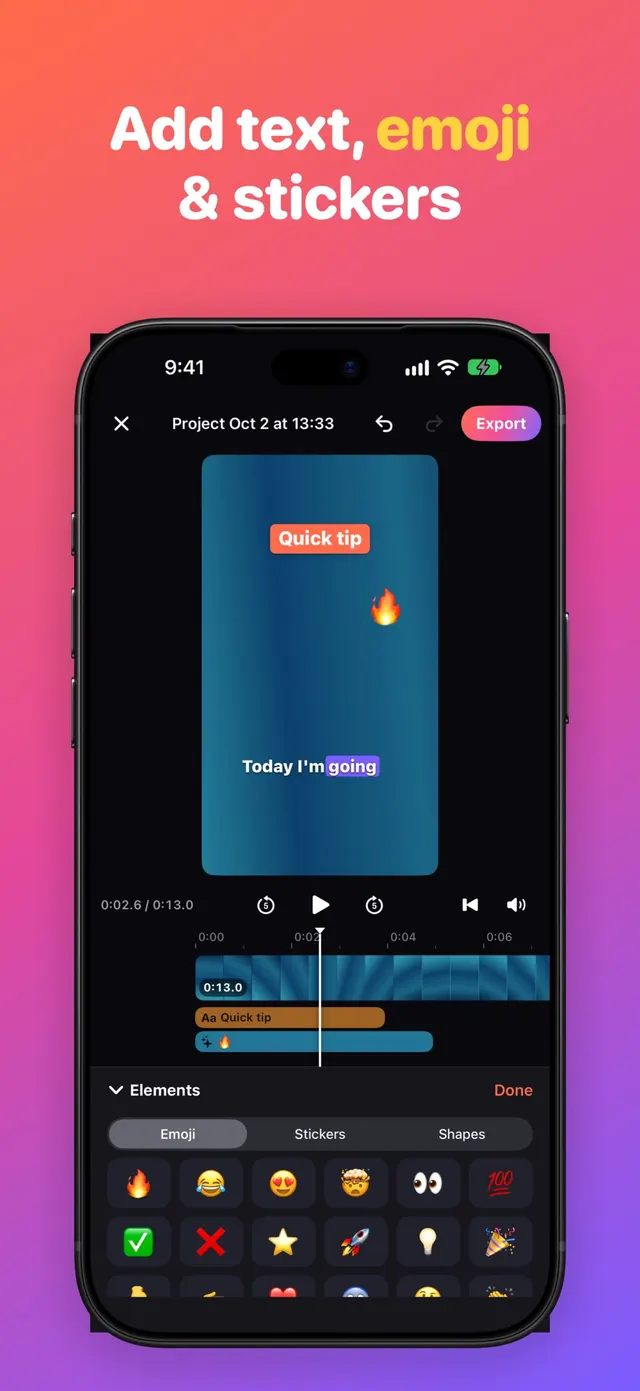
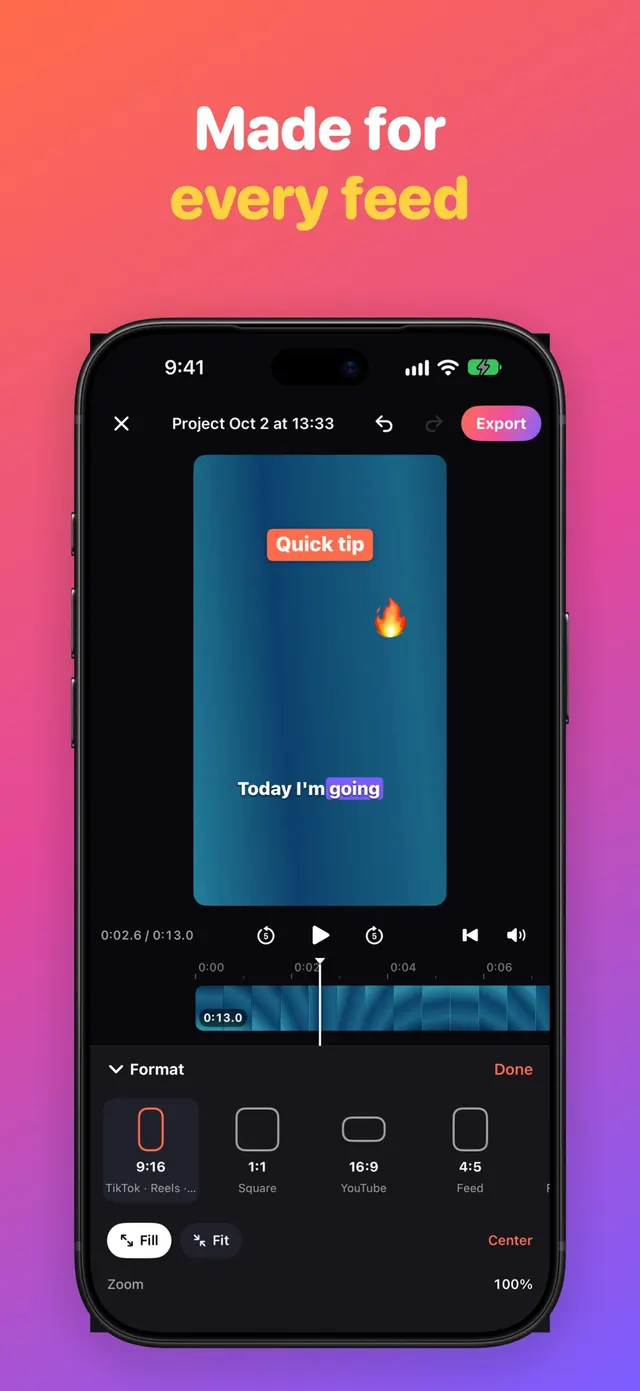
Talkcut turns your talking videos into ready-to-post clips. Captions timed word by word, pauses cut automatically and a cleaner voice, all on your iPhone or iPad, with no watermark. AUTO CAPTIONS, WORD BY WORD • Captions from your speech with timing for every word, generated on your device • One tap to start, with the speech language right on the button • 9 animated styles: Classic, Bold, Highlight, Neon, Minimal, Creator, Dynamic, Karaoke and Typewriter • Keywords highlighted automatically, plus matching emoji • Edit text and timing, split or merge, paste a script, export SRT SMART CUTS FOR TALKING VIDEOS • Cut silences and "ums" in one tap, with a preview of every cut • Punch-in zoom at every cut, like creator edits • Speed from 0.25× to 4× with natural-sounding voice • Transitions: dissolve, slide, zoom, flash, blur • Follow face: keeps you centered when changing format SOUND THAT
Information
- Category
- Photo & Video, Graphics & Design
- Version
- 1.0.0
- Updated
- October 22, 2026
- Released
- October 21, 2026
- Requires
- iOS 18.0 or later
- Size
- 12.3 MB
- Languages
- English, Portuguese, Spanish
- Price
- Free
Support
Need help?
E-mail us. Tell us which device and iOS version you use and, if you can, attach a screenshot of the problem.
E-mail supportmobivalleytech@gmail.com
Documents
Frequently asked questions
I paid, but the feature wasn't unlocked. What should I do?
Open the app and use the restore purchases option, signed in with the Apple ID you used to buy. If that doesn't work, e-mail support with the purchase date.
How do I cancel my subscription?
Subscriptions are managed by Apple: open Settings, tap your name, then Subscriptions. Cancel at least 24 hours before the renewal date.
How do I request a refund?
Refunds for App Store purchases are handled by Apple. You can request one at reportaproblem.apple.com.
I found a bug. How do I report it?
E-mail support with your device model, iOS version, app version and the steps to reproduce the problem.
How do I request access to or deletion of my data?
E-mail support and tell us which app. The privacy policy lists what data the app collects.